Workflow automation: How to automate your workflows

Taking care of routine tasks can be time-consuming for businesses of all sizes.
Workflow automation aims to eliminate the stress of completing those tasks while freeing employees to do more valuable work. But before you can start finding ways to improve workflow, it’s helpful to understand exactly what workflow automation is. Let’s take a closer look.
Understanding how workflow automation works
Workflow automation might sound overly complicated, but its goal is to relieve stress from day-to-day operations. It works by letting a digital tool or program take on the tasks that your team ordinarily needs to handle.
A quick overview of how workflow automation:
- Task automation: Many companies automate tedious tasks, like the first layer of customer service inquiries, general accounting tasks, payment collection, and inventory management.
- Rules-based decision-making: Program the workflow to follow the rules you need it to. This restricts the types of decisions and actions it’s allowed to take. It can be as complicated or simple as you want.
- Integrations with other systems: Workflow automation isn’t restricted to the workflow program you choose to work with. It can also integrate with other systems and programs you’re already using. This might include things like MailChimp, DocuSign, and other similar tools.
- Analytics and reporting: Your workflow system should analyze the data collected through the process and generate reports that you can use to make informed business decisions. This gives you added insight into your business’s health and growth potential so you can make plans based on your current situation.
Think of workflow automation as a customizable system that’s useful for businesses of all sizes and at all stages of growth and development.
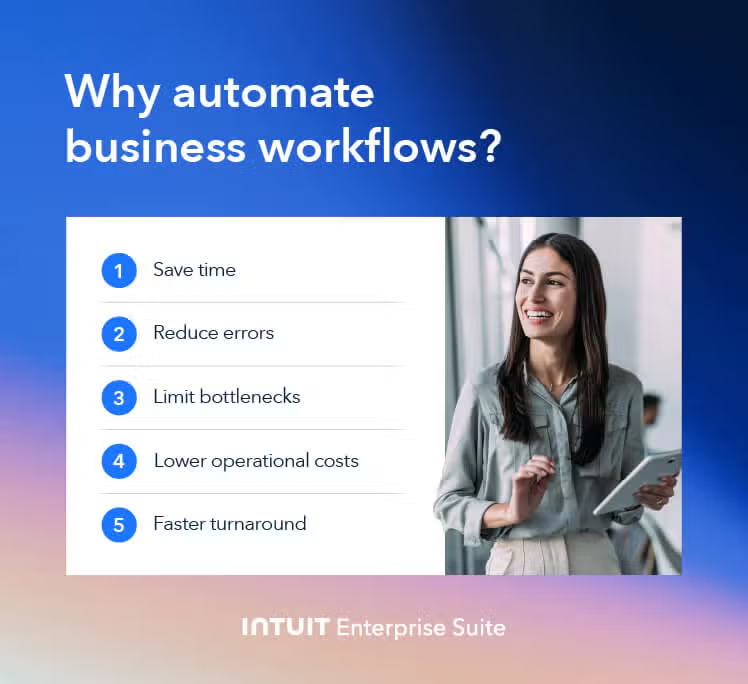
How to automate your workflows
Once you’ve signed up for a workflow automation tool, you’re ready to roll up your sleeves and automate your very first business process. We’re going to walk through six steps to make this happen.
Here are the steps you’ll want to take to automate your workflows.
- Look for repetitive tasks. Remember, automation is best for the workflows that are happening in your business again and again. That’s why this first step involves identifying all of the processes that are happening repeatedly. What are things that you and your team are doing frequently?
- Identify the necessary technology. To automate your processes, you’ll need to identify the necessary technology. This might involve investing in online document signing software like DocuSign and email marketing software like Mailchimp to generate email templates. You’ll also need a workflow automation tool to house all of the tasks and ensure nothing gets missed.
- Create your workflow. The steps needed to create your workflow will be unique to the tools of choice. But at a minimum, you’ll want to ensure that automation tools are fully integrated into the workflow platform.
- Test your workflow. Once you’ve created and saved your workflow, do a test run to ensure it works how you need it to. You may want to create a trial scenario and run through the steps yourself. If you notice any errors or hiccups, you can fix them before pushing your workflow live.
- Train your team. Once you have your workflow, you’ll need to train the key stakeholders. This should include anyone involved with the tasks in your workflow.
- Launch your workflow. When everyone is on board and you’re confident that your workflow is working effectively, you can start automating your business operations.
Examples and use cases of workflow automation
Once you automate your first workflow, you’ll notice several different business processes you could streamline. Automated workflows can help across different departments in just about every sector, including human resources, finance, marketing, and more. However, to understand how it could benefit your company, it’s helpful to see how automating workflows can help businesses in more true-to-life scenarios.
We’ve rounded up several common workflows that can easily be automated. This list is not exhaustive, but it’ll get you started and highlight all the ways automation can save you time and hassle so you can focus on growing your complex business.

Customer service
Automated workflow systems can streamline the customer service experience for both team members and your customers. The process makes it easier to send help tickets to the appropriate agent based on the concerns or requests expressed in the ticket. Depending on the system you use, it can also ensure that customers receive automated email updates for their requests.
Sales
Tracking your customers throughout their buying journeys can be tough, but workflow automation can help take the legwork out of the process. With the right systems, you can create automatic email prompts to encourage customers to return to the site and complete their purchase if they leave items in their cart.
You can also analyze leads and assign them to specific sales representatives based on your reps’ skill sets and knowledge of each lead's interests. For example, you can do all of this within Mailchimp, which can be integrated into Intuit Enterprise Suite.
The goal is to close deals, but the right automated workflows can also improve customers’ buying experiences.
Inventory management
Running out of products when you least expect it and tracking all of your backstock manually can take a major toll on your gross margins and bottom line. Your team has to invest hours in inventory management, and that’s hours they could better serve your business in other ways.
Workflow automation lets you track inventory levels, receive stock level alerts for items that are low, and monitor the replenishment process. And you’ll be able to do it with minimal human oversight.
Social media management
Having a solid social media presence can help keep customers engaged and coming back for more. However, managing different channels, posting different content, and tracking the performance of your posts takes time.
Workflow automation can help analyze customer sentiment to see what your followers think of your brand. It can also help you monitor industry trends and schedule future posts across all of your key platforms automatically.
Accounting tasks can take time, and if you're trying to do everything on your own without the help of a dedicated payroll and accounting team, it can take away from your ability to do other tasks. Accounting automation takes the stress out of those routine tasks.
Accounting
Accounting automation takes the stress out of those routine tasks.
Once set up, the workflow will run most of your daily accounting efforts on its own without forcing you to oversee every step of the process. Even better, automation can help whether you’re worried about accounting for a single business or have multiple subsidiaries and need to implement multi-entity accounting processes to track the performance of each organization.
Workflow automation best practices
Workflow automation is a useful tool that businesses can use to improve efficiency, especially if you are setting up automation as part of your enterprise resource planning system. Here are a few things you can do to set your business up for success from the beginning:
- Keep your workflow simple: When building out your workflows, keep each one simple and streamlined. The simpler each workflow is, the easier it will be to track performance and ensure that everything works as it should.
- Start small: Workflows are meant to grow and change with your business. It’s rare for companies to rely on a single automated workflow in their operation. As you grow, add workflows to your processes as needed.
- Get your stakeholders involved: Ultimately, you want to ensure the workflow is easy for everyone to use. As you’re building it out, get the stakeholders involved. Let them test different iterations, and if they identify different tasks or processes that could benefit from automation, listen to them.
- Measure your results: If you notice anything in your workflow performing amazingly well, keep your process the same. But if you see processes that are slow or underperforming, you can prioritize changing those workflows to better address your concerns.
As long as you monitor your workflows and are willing to make changes as needed, you’ll set yourself up for long-term success.
Choosing the right workflow automation tools
Choosing the right workflow automation tools can dramatically impact your experience. Here’s what to consider when you’re looking for a system that can meet your needs:
- Low-code development: You want your system to be easy to use and customize without creating custom code to run your processes.
- Scalability: Your workflow automation tool should be able to grow with your business. This means it should support multiple workflows, constantly improve and integrate new tools, and be able to support your needs in the long term. Look for a tool with more features than you think you need currently.
- User-friendly design: Complicated tools make it hard to get the most out of your automated workflows. Look for a user-friendly design that all the stakeholders can use with confidence, like the Intuit Enterprise Suite.
You may need to try different tools to find the best choice for your business’s needs.

Boost productivity and enhance profitability for growing businesses
Automated workflows can be a powerful tool for growing and complex businesses, especially when combined with a powerful suite like Intuit Enterprise Suite. They help you spend less time on repetitive, manual tasks and more time on the responsibilities that move the needle for your business.
Disclaimer: Intuit Assist and certain other AI features and functionalities are currently available at no additional cost to certain QuickBooks users. Pricing, terms, conditions, special features, and service options are subject to change without notice. Intuit reserves the right to discontinue the feature at any time for any reason in its sole and absolute discretion.
Disclaimer: This content is for information purposes only and the information provided should not be considered legal, accounting, or tax advice or a substitute for obtaining such advice specific to your business. Additional information and exceptions may apply. Applicable laws may vary by state or locality. No assurance is given that the information is comprehensive in its coverage or that it is suitable for dealing with a customer's particular situation. Intuit Inc. does it have any responsibility for updating or revising any information presented herein. Accordingly, the information provided should not be relied upon as a substitute for independent research. Intuit Inc. cannot warrant that the material contained herein will continue to be accurate, nor that it is completely free of errors when published. Readers should verify statements before relying on them.
Workflow automation FAQ
Do all businesses need to automate workflows?
Every business can benefit from workflow automation, but whether they need it depends on whether those benefits outweigh any challenges it may introduce. For example, if you’re in a high-compliance industry, automating certain tasks could present new security challenges that may be costly to address.
What is the difference between business process automation and workflow automation?
Business process automation (BPA) is the automation of a full business system while workflow automation is the automation of individual tasks. You can implement workflow automation in your BPA strategy to ensure that everything flows the way it should.
Are there tasks that can’t be automated?
Yes. Tasks that require human oversight, creativity, and face-to-face interactions are best left to humans rather than computers. You may be able to automate certain aspects of those tasks, but you’ll still need the human element to ensure customer needs and expectations are met.